Image workflow comparison

How to choose: upsampler vs free ai image options

The upsampler vs free ai image decision starts with what you already have. Improving an existing picture calls for different checks than generating a new one, and access terms vary by service.

Verdict first: choose by the job

Start with the source image, not the word “free.” If you need to preserve an existing composition, assess editing or enlargement. If you need a new scene, assess generation instead.

Dimension by dimension: what creators need

The same tool can be a sensible choice for one brief and a poor fit for another. Decide which details must survive before judging the result.

Photographer

A small portrait needs a larger version, but the face, framing and lighting should remain recognizable. Compare fine detail at the intended display size, not just at a zoomed-in preview.

An editing workflow is worth testing if resemblance matters more than inventing new visual elements.

upsampler ai image editor

Concept artist

There is no source picture yet, only a written brief for a location or character. Enlarging an unrelated image will not solve the missing-composition problem.

Start with generation, then judge whether the result needs a separate refinement pass.

upsampler ai image generator

Small-team designer

A draft illustration exists, but the team needs several treatments before choosing a direction. Record which changes are acceptable so revisions do not drift away from the brief.

Compare editing and generation against the same brief rather than treating their outputs as interchangeable.

upsampler examples free

Budget-conscious hobbyist

The project can tolerate experiments, but the available service may limit exports, resolution or repeat attempts. Check those conditions before investing time in a prompt.

Choose an alternative only after confirming that its actual access terms suit the project.

upsampler alternative free

Who each suits: a three-step filter

Use the same questions for every candidate service. They make a comparison more useful than an attractive example viewed without its source.

Define what must stay

If you have a source image, list the elements that cannot change: perhaps a person's identity, readable lettering or a product's shape. If nothing must stay, a generator may be the more direct starting point.

Test one representative task

Use a picture or brief similar to your real project. Inspect the full composition and difficult areas such as hands, edges and text. A result that looks convincing as a thumbnail may fail when used at its intended size.

Check usable access

Before committing, verify the selected service's current requirements and export conditions on that service itself. A trial result is useful only if you can obtain an output that fits the job.
Migration path: inspect a visual pair

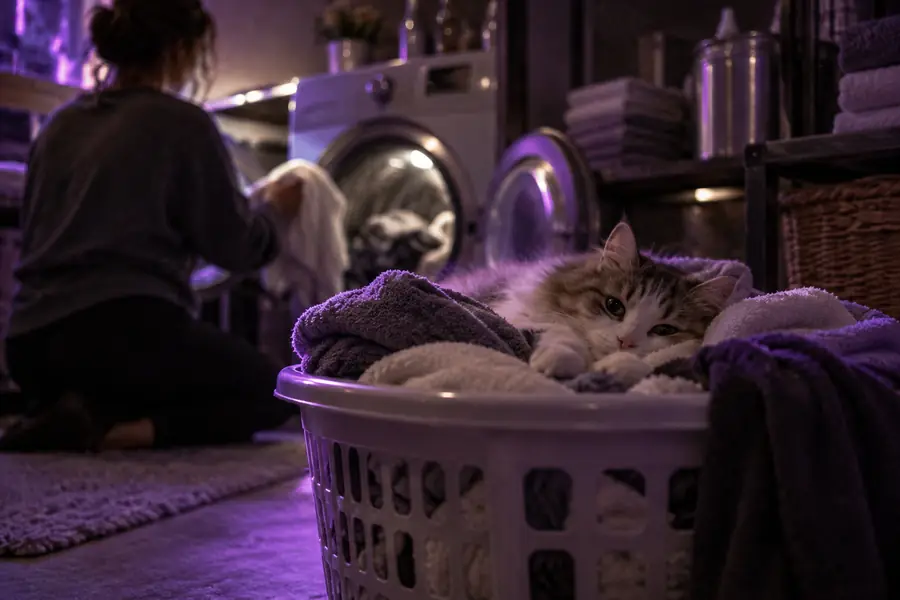
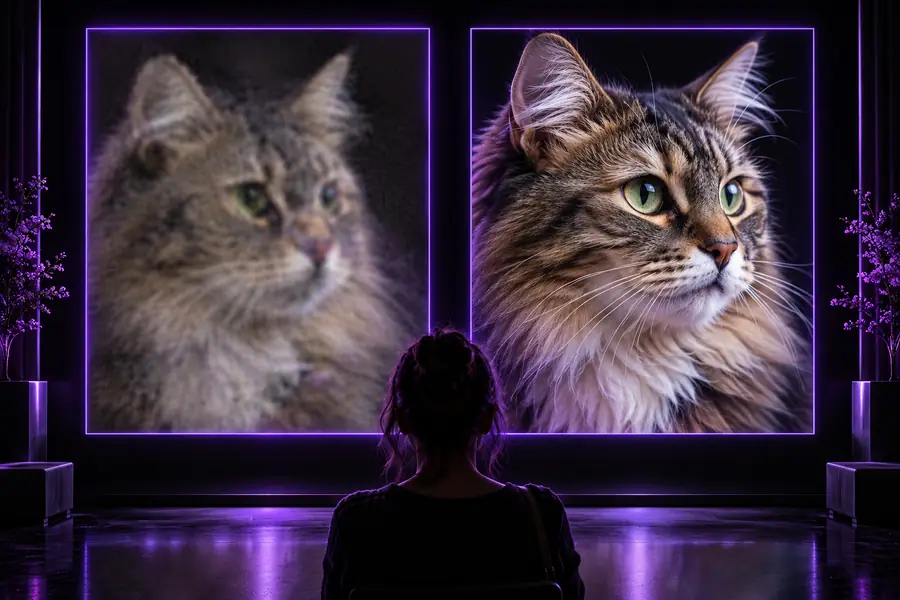
A before-and-after example helps you form questions for your own test; it cannot establish what a different service will produce.

Before

Laundry scene shown as the source image in a visual comparison
Laundry scene shown as the comparison image
After

Compare composition, object boundaries and apparent detail. Treat this pair as an illustration, not a verified output or quality guarantee for the destination reached through Upsampler.

Migration path: a side-by-side checklist

Upsampler is a guide to evaluating image workflows; the action button opens an external destination. The other column describes questions to ask of any tool presented as a free AI image option, not promises about a particular provider.

Upsampler route Free AI image tool
1

Starting point

Upsampler route

Use this comparison to decide whether the task is editing, enlargement or creation before following the external link.

Free AI image tool

Check whether the selected tool accepts an existing picture, a written prompt or both.

2

Source fidelity

Upsampler route

Set a clear standard for what must remain recognizable before testing any destination.

Free AI image tool

Test the service against that standard; a new image may look appealing without preserving the source.

3

New-scene creation

Upsampler route

Treat generation as a distinct task rather than assuming that enlargement will create a new composition.

Free AI image tool

Confirm that the selected service actually offers generation if you need an image from a brief.

4

Access conditions

Upsampler route

Following the action link does not establish eligibility, cost or account requirements.

Free AI image tool

Read the current terms for the specific service; the label “free” does not describe every restriction.

5

Output suitability

Upsampler route

Judge the destination's result against the dimensions and visual details required by your project.

Free AI image tool

Check the available export before relying on the result for print, publication or delivery.

6

Repeatability

Upsampler route

Keep your source and brief so you can compare subsequent attempts fairly.

Free AI image tool

Try a second result if the service permits it; one attractive example does not establish consistency.

Migration path: limits worth checking

This page can help structure a decision, but it cannot verify the changing capabilities of a service reached through an external link.

No guaranteed free access

The word “free” in a search query does not prove that the linked destination offers unrestricted use, a particular export or access without an account.

WorkaroundReview the destination's current terms before submitting a project image.

No guaranteed image improvement

An enlarged or edited result can introduce invented texture, altered lettering or changed facial details. A larger file is not automatically a more faithful image.

WorkaroundCompare the result with the source at the size where it will actually be used.

No universal winner

A generator, editor and enlarger solve different problems. This comparison cannot rank every service without the same input, task and evaluation criteria.

WorkaroundRun a small, representative test and record what each candidate preserves or changes.

Migration path: test your next image

Bring a clear brief to your next test

Decide whether you need to preserve a picture or create one, then follow the action link to inspect the available workflow and its current conditions. Keep the original so you can make a fair comparison.

  • Check the destination's access terms
  • Test a representative image or brief
  • Inspect the output at its intended size

Comparison FAQ

No. Upsampling generally refers to making an existing image larger, while generation creates a new image from a prompt or another input. Individual services may combine those tasks, so check the workflow offered by the specific destination.

Begin by testing a workflow that accepts the existing image and lets you assess whether its composition and important details survive. A newly generated picture might be useful as an alternative, but it may not preserve the original.

No universal access or export condition follows from the word “free.” Check the selected service's current terms and the output available for your intended use before depending on it.

Give each candidate the same source or equivalent brief and inspect results at the size you plan to use. Look closely at details that matter to your project, including text, faces, object edges and fidelity to the source.

Switch when your current workflow cannot perform the task you need or repeatedly changes details you must keep. Test a representative project first, then weigh the result alongside the destination's access and export conditions.

Start creating
Start creating